How to Download All Your Invoices
The Manassas Bill Downloader extension lets you grab every invoice from InvoiceCloud in one click — no manual downloading required.
Before you start
- Google Chrome or Microsoft Edge (any recent version)
- Your City of Manassas InvoiceCloud login credentials
Add to Chrome
Visit the Chrome Web Store and click Add to Chrome, then confirm the prompt. That's it — no zip files, no developer mode required.
Open in Chrome Web Store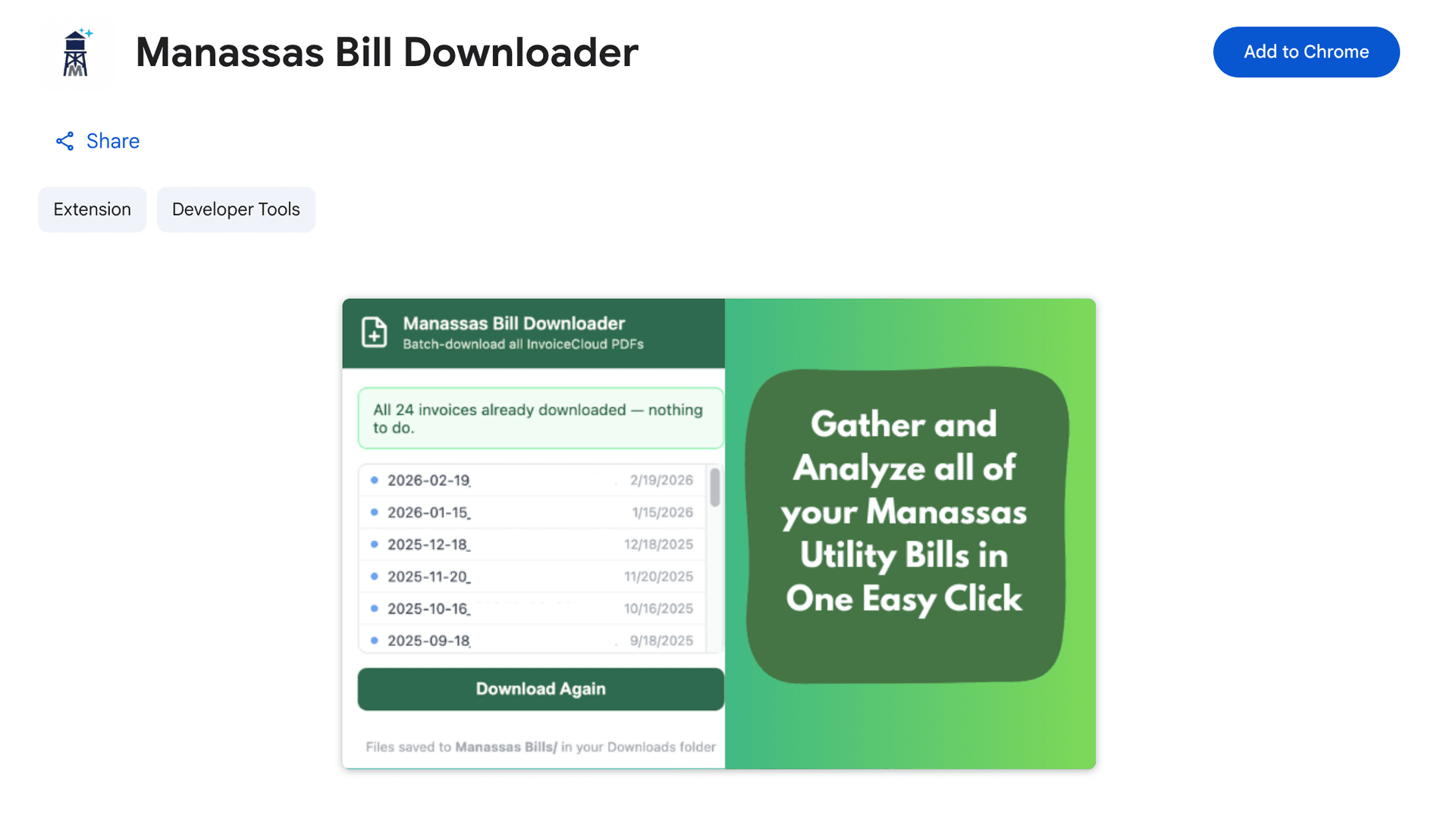
Navigate to InvoiceCloud
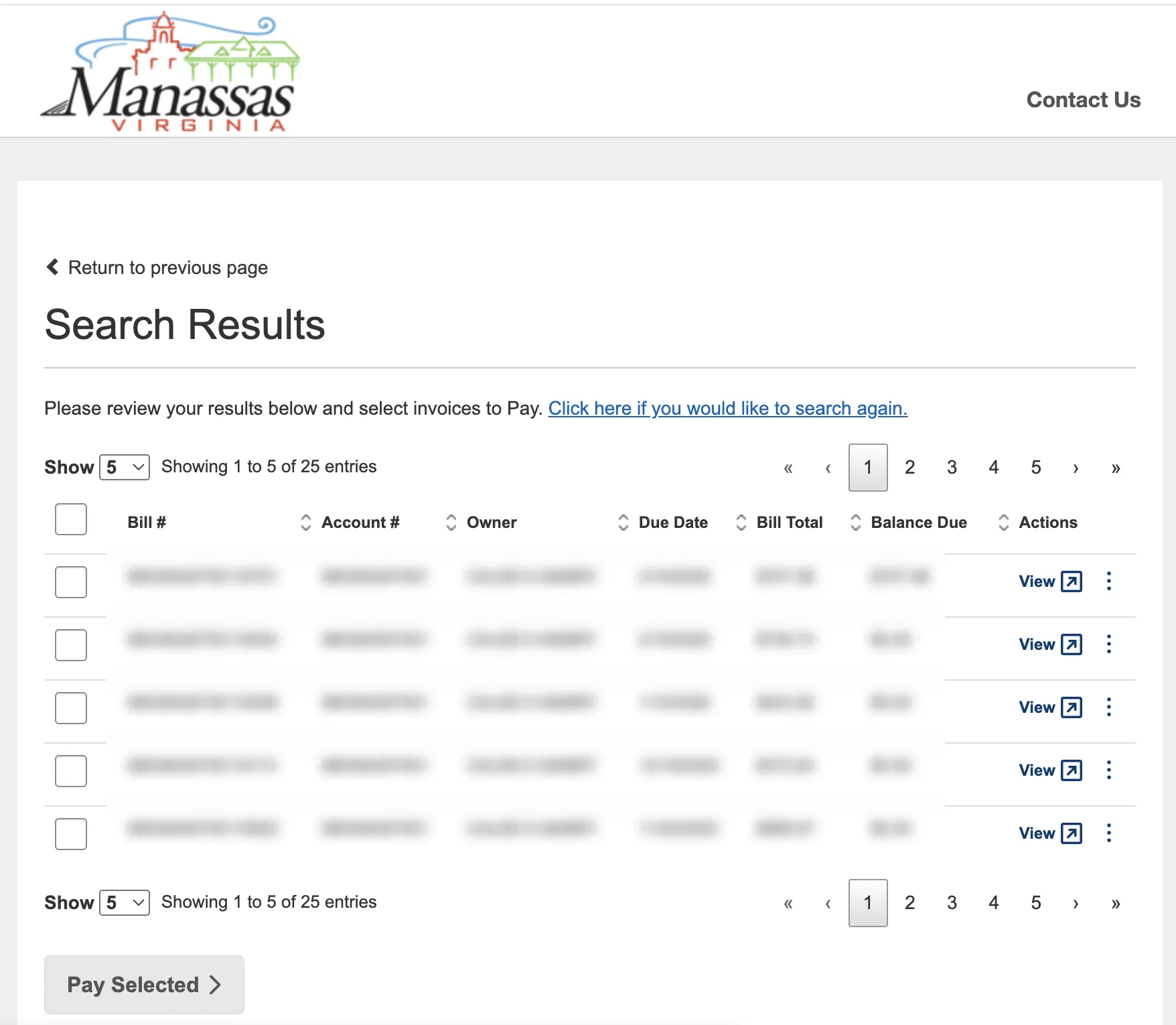
Log in to your City of Manassas InvoiceCloud account and navigate to the Bills or Invoice History page where the table of past invoices is listed. It doesn't matter which page of the table you're on — the extension will automatically jump back to page 1 before collecting links.
Open the Extension
Click the puzzle piece icon in your browser toolbar to open the extensions menu, then click Manassas Bill Downloader. To keep it visible in your toolbar, click the pin icon next to it.
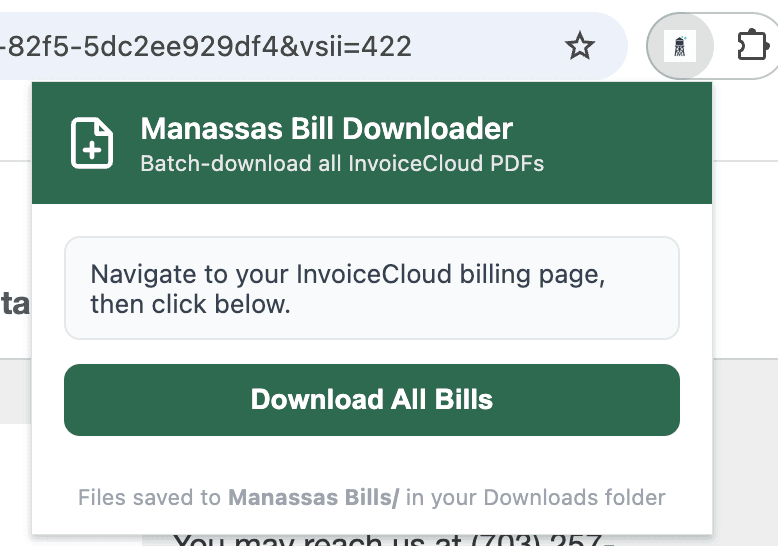
Click "Download All Bills"
The popup will show the Download All Bills button. Click it and the extension will:
- Scan every page of your invoice table automatically
- Skip any bills already saved to your Downloads folder
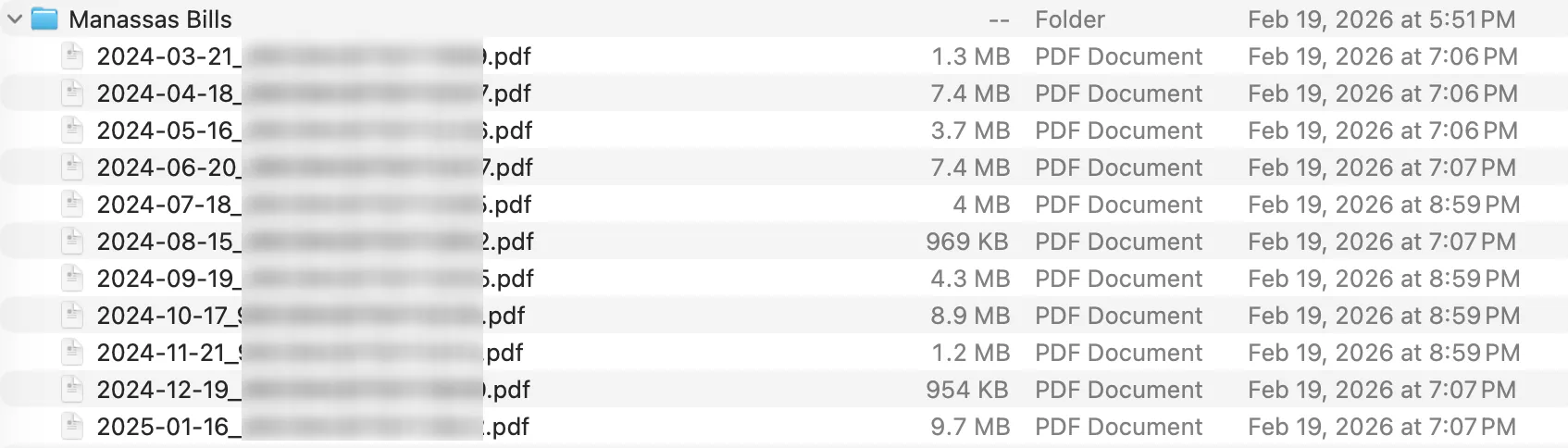
- Download each PDF one at a time into a Manassas Bills/ folder
- Show a green dot next to each bill as it completes
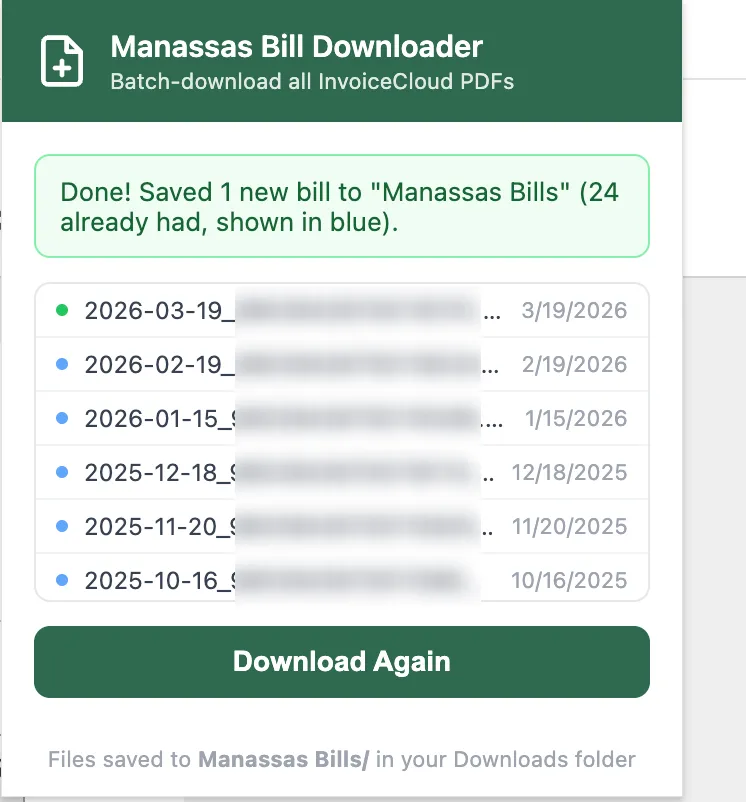
You can close and reopen the popup at any time — it remembers where it left off for the rest of your browser session.
Find Your Bills
All downloaded PDFs are saved to a Manassas Bills/ folder inside your Downloads directory. Files are named YYYY-MM-DD_BillNumber.pdf so they sort chronologically.
Upload to the Tracker
Now head back to the Bill Tracker, drop in your downloaded PDFs, and let the dashboard show you how your costs have changed over time.
Upload Bills NowTips
- • The extension only works on invoicecloud.com pages — the button stays disabled elsewhere.
- • Already downloaded a bill? The extension detects it and skips the download automatically.
- • If a download fails (shown in red), click Download Again — the extension will retry only the failed files.